Comparison
Integrated business software or separate tools? 6 criteria for deciding
Should you get email, documents and other business tools from a single family, or from a separate service for each? Both approaches have advantages; the right choice depends on the organization's size and management overhead.
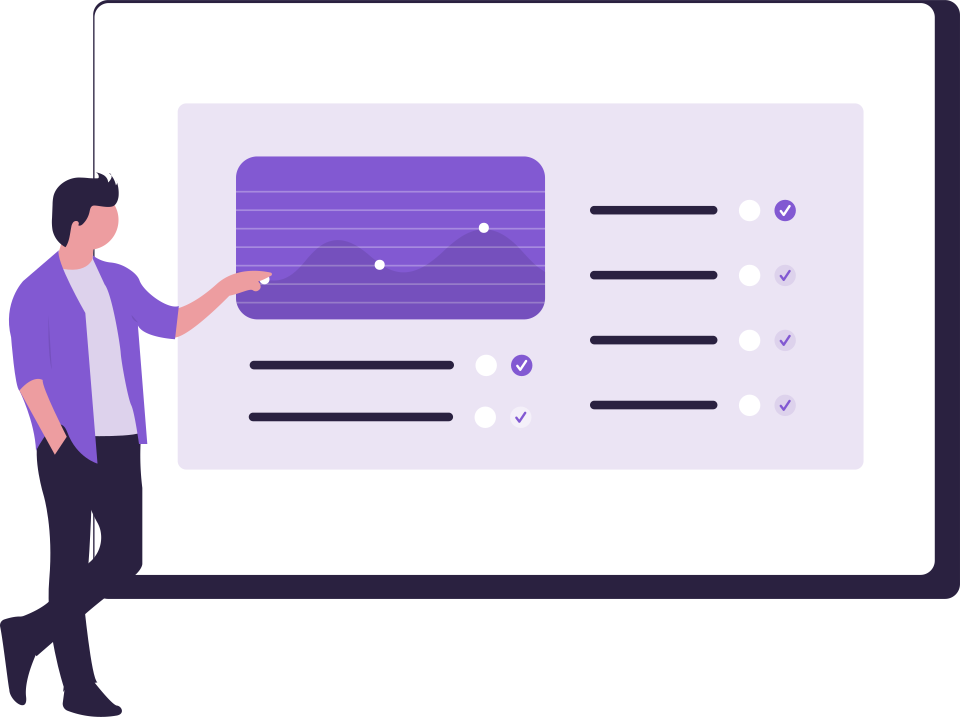
An organization usually buys its first piece of software to meet an urgent need. When the second and third tools arrive, the question changes: should you pick the best tool for each job separately, or move to a suite that works together?
The two approaches in brief
| Criterion | Integrated suite | Separate tools |
|---|---|---|
| User management | Add a person once | A separate list in each tool |
| Revoking access | One action, across every tool | Tool by tool, with a risk of missing one |
| Sign in | One identity, switch between tools | A password or separate setup per tool |
| Cost and usage tracking | One screen | Separate invoices |
| Flexibility | Limited to products in the suite | A separate choice for each need |
| Data separation | Depends on the architecture: data must be kept separate for each product | Separate by nature |
Which suits which organization?
- Small and medium-sized organizations without a dedicated IT team: administrative workload is the deciding factor; the integrated suite stands out.
- Organizations with frequent joiners and leavers: revoking access in a single action greatly reduces risk.
- Teams with a very specific need: a separate tool may be needed for that job; the rest of the integrated suite still simplifies management.
Questions to ask when choosing an integrated suite
- Can products be bought separately, or is everything mandatory?
- Is each product's data kept separate?
- When switching between tools, is a password requested, or is switching blocked for those without access?
- When a person is removed from the organization, is their access closed in all products at the same time?
How does it work in the DBLinx suite?
- Bought separately: You start with one product and add the others later to the same dashboard.
- Single identity: You move between products without being asked for a password; someone without access cannot switch.
- Separate data: Each organization's data is kept in its own separate database for each product.
- Removal in a single action: When a person is removed from the organization, their access is closed in all products at the same time.