
Customise your storefront yourself without coding
Your store arrives ready with a theme tailored to your sector. Drag sections, preview on your phone, and publish with one click.
- Drag-and-drop window dresser
- Desktop, tablet and mobile preview
- Card data does not touch the store server
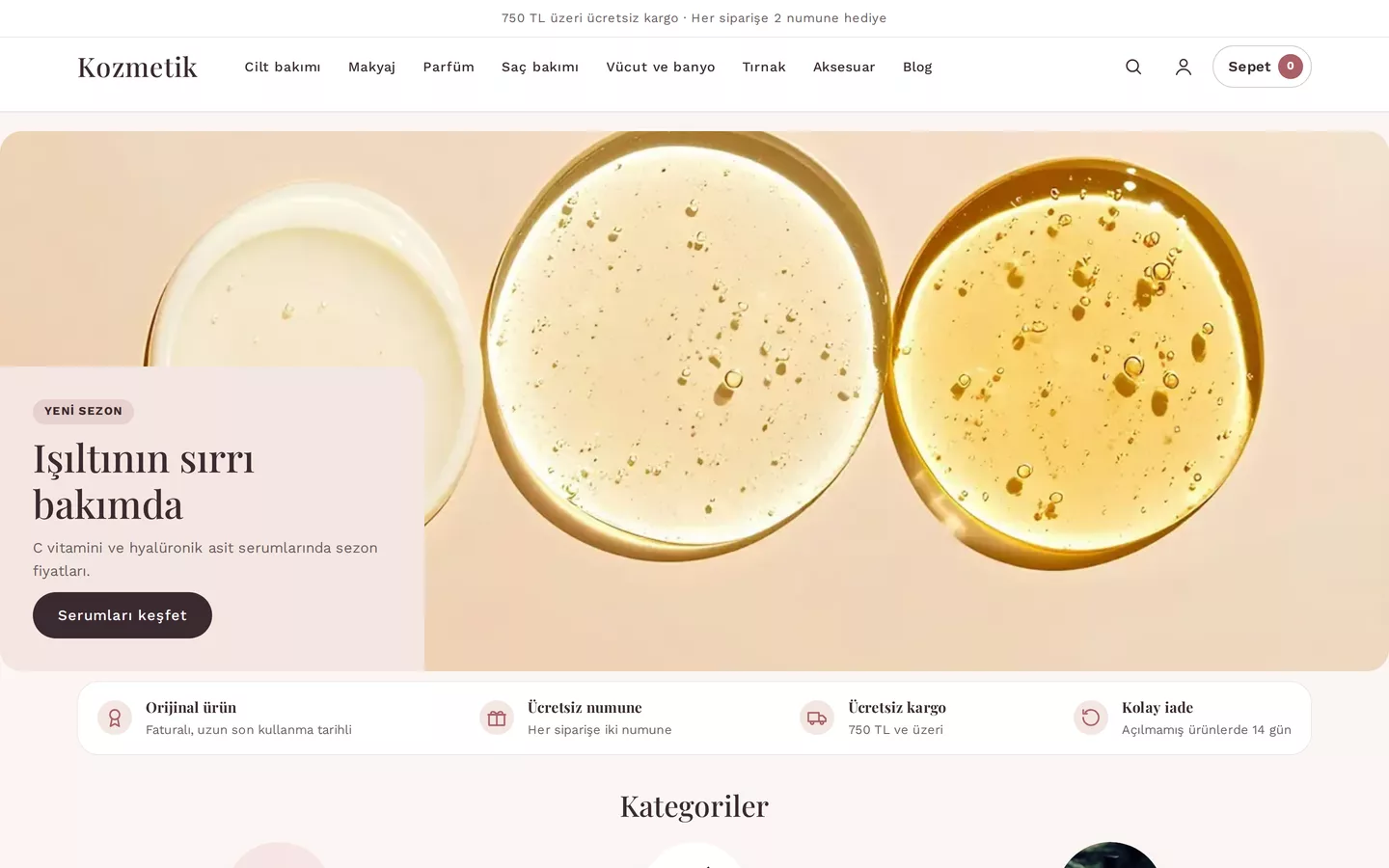
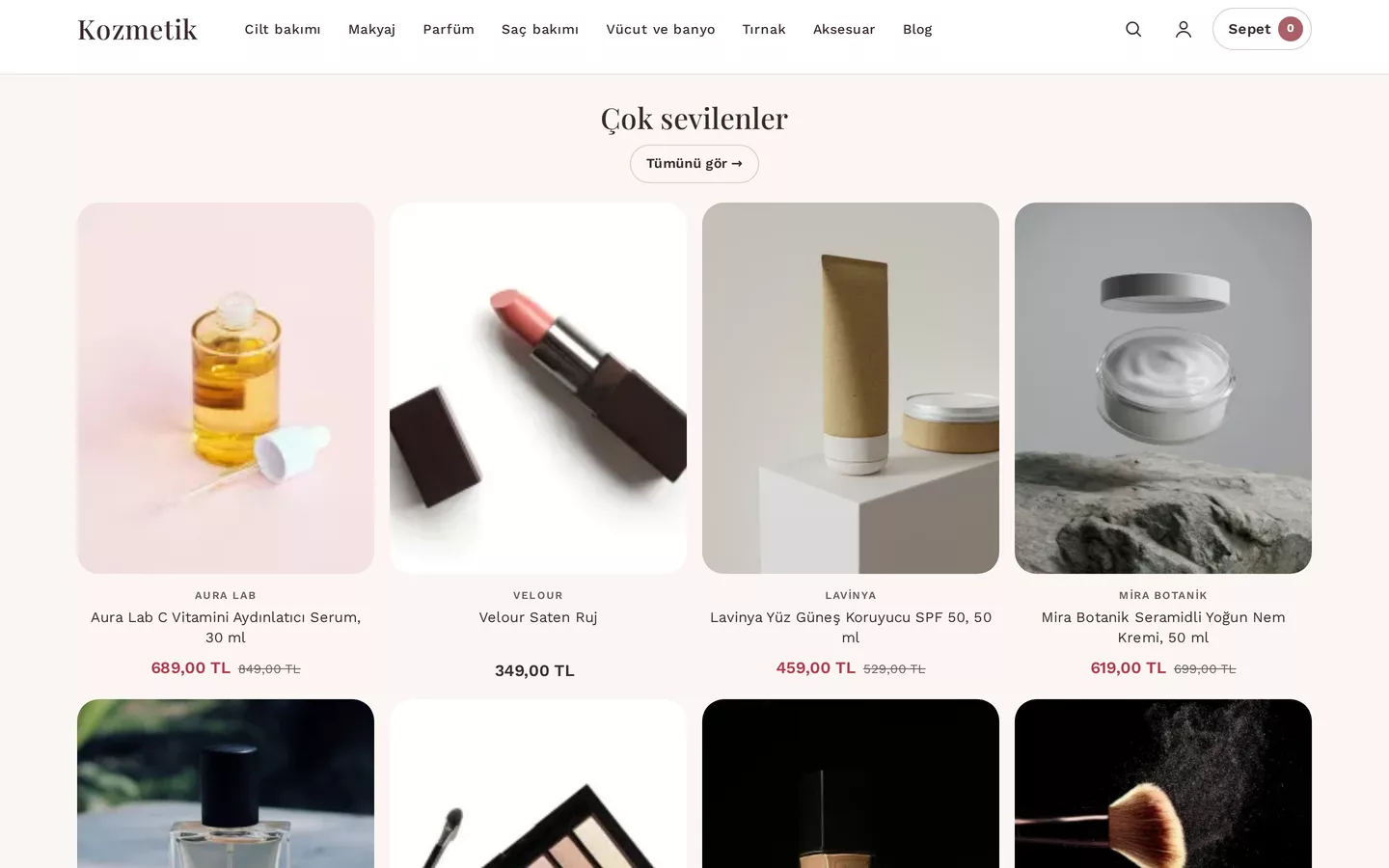
The look of your store is in your hands
You arrange the top bar, header, homepage and footer sections via drag-and-drop. Every change is saved as a draft first; customers only see the published version.
The editor at work
Records taken from SmartSales panel, using example store data.
From storefront to order, single panel
Themes and 5 sectors
Six themes per sector; each with its own layout and homepage.
ReviewProducts and catalog
Variants, bulk upload, stock and images.
ReviewOrder and payment
Card, bank transfer and cash on delivery; the amount is locked at checkout.
ReviewShipping and returns
Shipping rules, the customer's chosen carrier, and return requests within 14 days.
ReviewCampaigns and coupons
Campaigns do not combine; the most advantageous one for the customer is applied.
ReviewCustomer account
Order history, addresses, favourites; guest order tracking.
ReviewReports and live dashboard
Profitability report, a dashboard updated without manual refresh.
ReviewSEO and feed
Structured data, sitemap, product feeds.
ReviewIntegrations
Headless API, marketplace, shipping and payment connections.
ReviewSecurity and KVKK
Role-based permissions, audit trail, anonymisation of customer data.
ReviewBrowse first, then decide
You can add items to the cart in 30 demo stores and proceed to payment, browsing on your phone too. Demo data is not real; no orders are placed.
FAQs
What is SmartSales?
It is an e-commerce product of the DBLinx family; open your own store with a theme tailored to your sector, and edit the storefront without coding.
Can I change the theme later?
Selected and locked when purchasing a theme; the layout, sections, colours and homepage design within the theme can be changed as often as you like.
What payment methods are available?
Card (up to 12 instalments), bank transfer and cash on delivery; card details do not touch the store server.
Can I place an order in the demo store?
Demo data is not real; no orders or memberships are created.
How do I purchase?
Enter your sector and number of products in the quote form; we will prepare your quote.
Let's plan your store together
Enter your sector and number of products; let’s clarify your theme and offer together.