
What is single sign-on (SSO)? Moving between corporate applications without re-entering a password
Single sign-on (SSO) lets an employee log in once and move between the organization's other applications without entering a password again. Set up correctly, it eliminates password fatigue and makes it possible to revoke access everywhere from a single place.
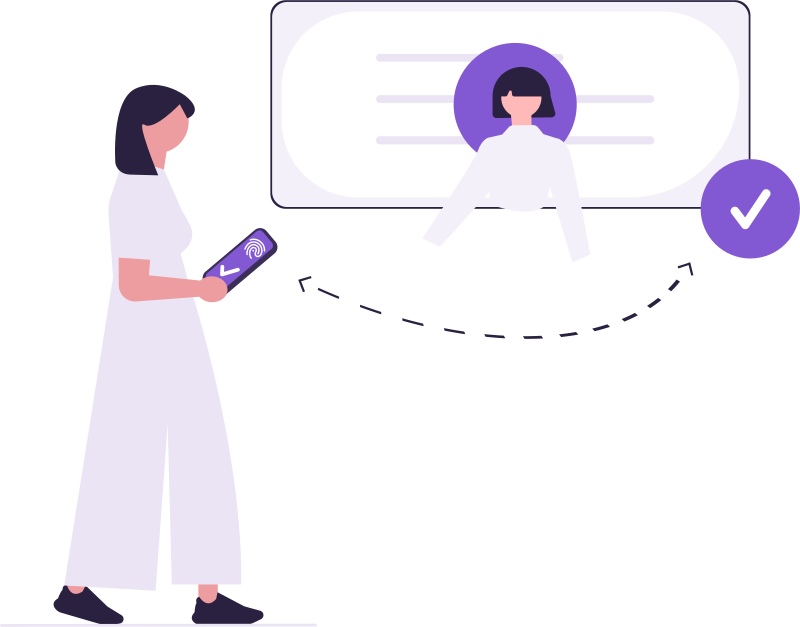
An employee opens their email, their files and a few work applications over the course of a day. If each one asks for a separate password, either the same password gets used everywhere, or passwords end up written on a piece of paper. Both are risky. Single sign-on (SSO) solves this: a person proves their identity once, and the other applications trust that proof.
Why does single sign-on matter?
- The employee only has to remember one password; choosing a strong one becomes easier.
- Password reset requests drop.
- A departing person's access is closed from one place; no account stays open in an application that was forgotten about.
- Login records are gathered in one place, making a suspicious login easier to spot.
How does SSO work?
Behind the scenes there's an identity provider. When a person logs in, their session opens at the identity provider. When they want to move to another application, that application accepts not a password but a short-lived token issued by the identity provider.
- The person logs into the first application.
- When moving to a second application, a short-lived token for that application is requested from the identity provider.
- The second application verifies the token with the identity provider and opens its own session.
- The token is used once and expires quickly.
What should a secure SSO setup include?
- The token's lifetime must be short. Seconds, not minutes; it should become invalid as soon as it's used once.
- The switch shouldn't grant new permissions. If the person has no access in the target application, SSO shouldn't let them in.
- Applications shouldn't see each other's sessions. One application shouldn't carry another's session information.
- Closing access must take effect immediately. A person removed from the organization shouldn't be able to move to another application even if they have an open session.
How does single sign-on work across the DBLinx family?
- A single SmartID password: Employees sign in to SmartMail, SmartFiles and other Smart products with the same identity.
- Switching between products: No password is asked when switching to another product from the product menu; a single-use token, valid for only 60 seconds, is generated for the switch. The first product never sees the target product's session.
- Never exceeds permission: If the person has no active membership in the target product, the switch is refused. A person whose access has been closed in the organization dashboard can't move to another product even with an open session.