Sector
Email and document organization at accounting firms: client paperwork, fake invoices and permissions
Accounting firms collect invoices, receipts and tax-return paperwork from dozens of clients every month. Making sure paperwork doesn't get lost, stays with the right person, and fake invoice emails get filtered out is part of the daily routine.
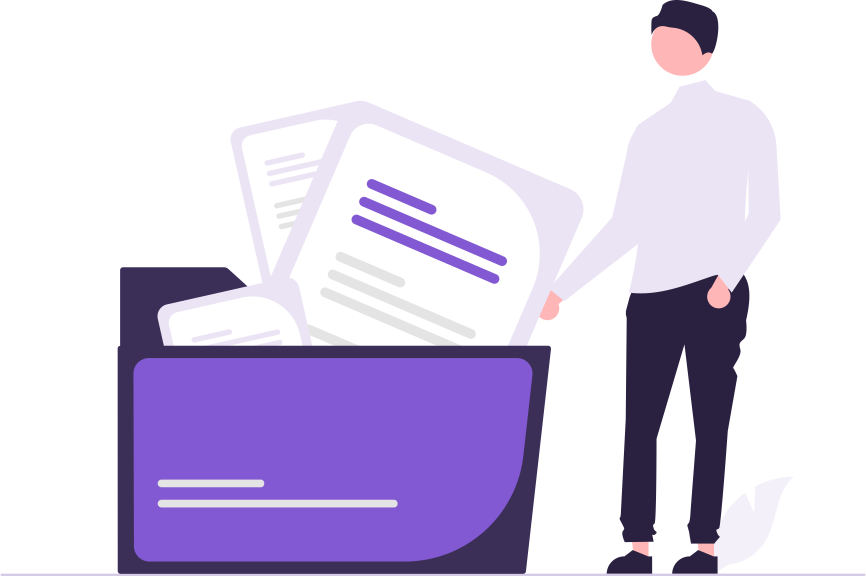
The first week of the month is familiar in an accounting firm: documents arrive from customers by email, through messaging apps and by hand, folders are scattered across several people, and the question is “which one is the latest version?”
Three common problems for firms
- Document collection: customer documents come in through different channels, and some get forgotten.
- Permissions: not every employee needs to see every customer's files.
- Fake invoice and IBAN emails: accounting addresses are the first target of these attacks.
Checklist for getting organised
- One folder per customer, with period subfolders inside.
- Request documents from customers through a time-limited upload link that doesn't require an account; the uploader should not be able to see inside the folder.
- Customer folders should be open only to the team that works with that customer.
- A document uploaded with the same name should not overwrite the old one; it should become a new version.
- Emails that change payment details should be confirmed by phone.
- Everyone should sign in to the shared accounting@ address with their own identity; passwords should not be shared.
NoteCustomer documents contain personal data. Tie retention period and access to a written rule.
How do SmartFiles and SmartMail set this up?
- Requesting documents from outside: When an administrator creates one, a time-limited upload link is sent to the customer; the uploader cannot see inside the folder, and the received file includes sender information.
- Folder-specific access: A restricted folder is visible only to the selected people; an area you don't have permission for doesn't appear in the list at all.
- Version history: A document with the same name becomes a new version; a deleted file can be restored from the recycle bin.
- Security analysis with reasons: SmartMail flags a suspicious email and gives the reason; in the shared mailbox, everyone works with their own identity.