Administration
What is a corporate email audit log: who did what, and when?
The audit log is a list of significant actions performed in corporate email, recording who did them and when; it cannot be edited or deleted from the dashboard. It is the first place to look when an email goes missing, someone is granted access by mistake or a rule changes.
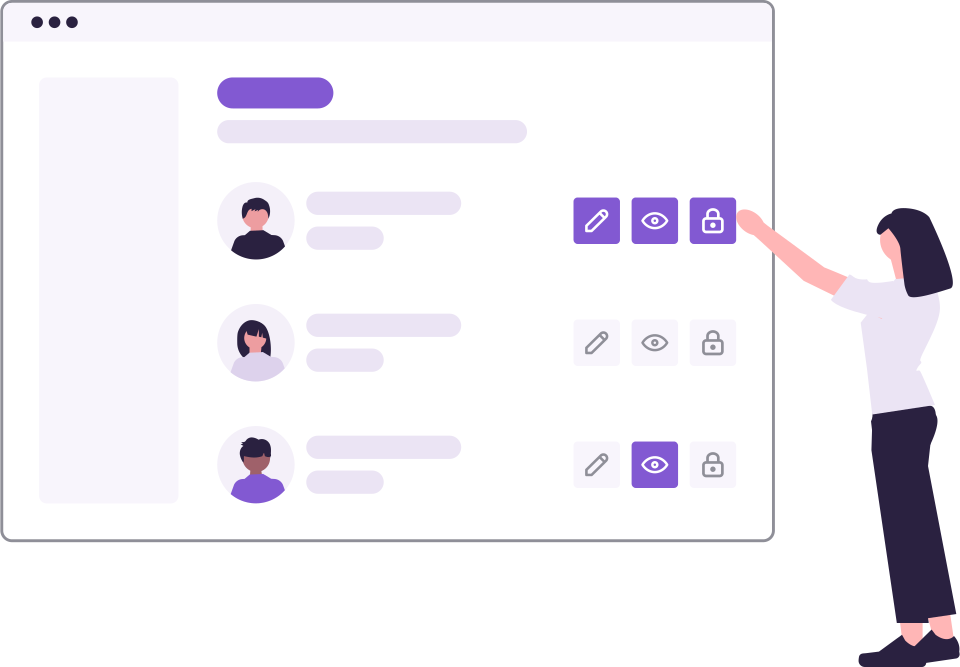
Shared mailboxes pass through many people's hands. This flexibility makes the question “who did it?” harder when a problem arises. The audit log does not leave the answer to this question to guesswork: every important action is recorded together with the person who performed it and the time.
What should be kept in the audit log?
- Opening, closing and deleting mailboxes
- Granting or revoking access for people and departments
- Organization-wide rules such as blacklists and whitelists
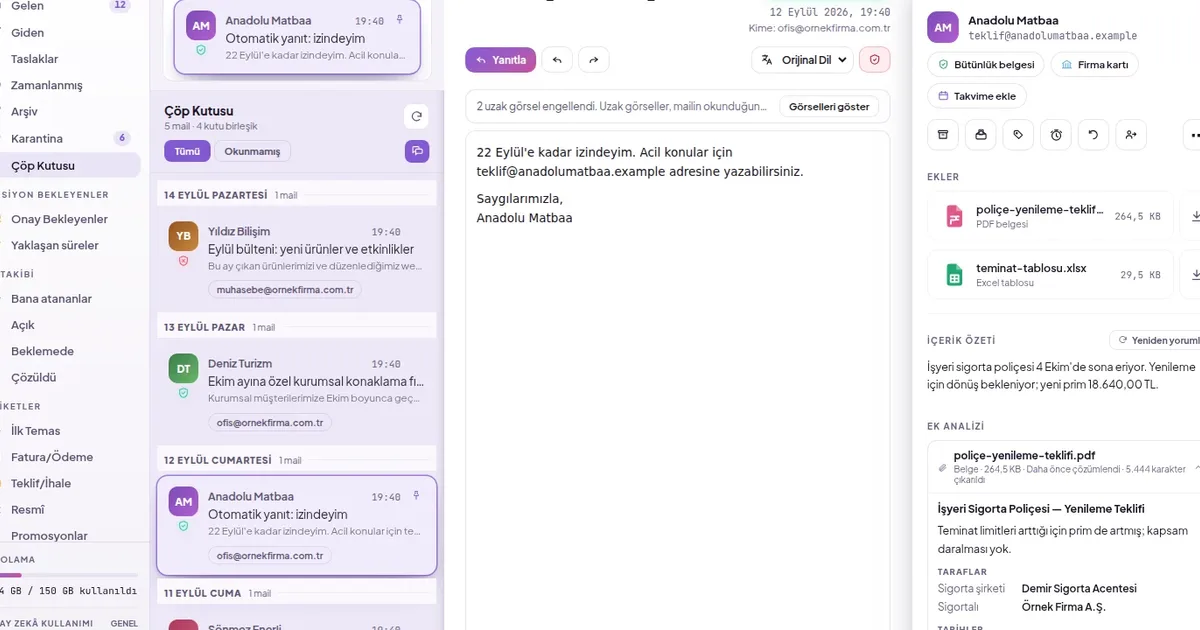
- Quarantining and releasing from quarantine
- Bulk operations affecting many emails at once
- Approved sending decisions and setting changes
How to read the audit log?
- The newest activities are at the top; the row shows the activity name, the person who performed it and the date.
- To view rule and permission changes separately, filter by policy changes; for bulk moves and deletions, filter by bulk operations.
- For automatic actions (e.g. automatic quarantine), “System” is shown as the actor.
- For older records, continue from the end of the list.
TipReview the audit log not only when something goes wrong but also routinely once a month: unexpected access or a rule change can be spotted early.
How SmartMail solves this
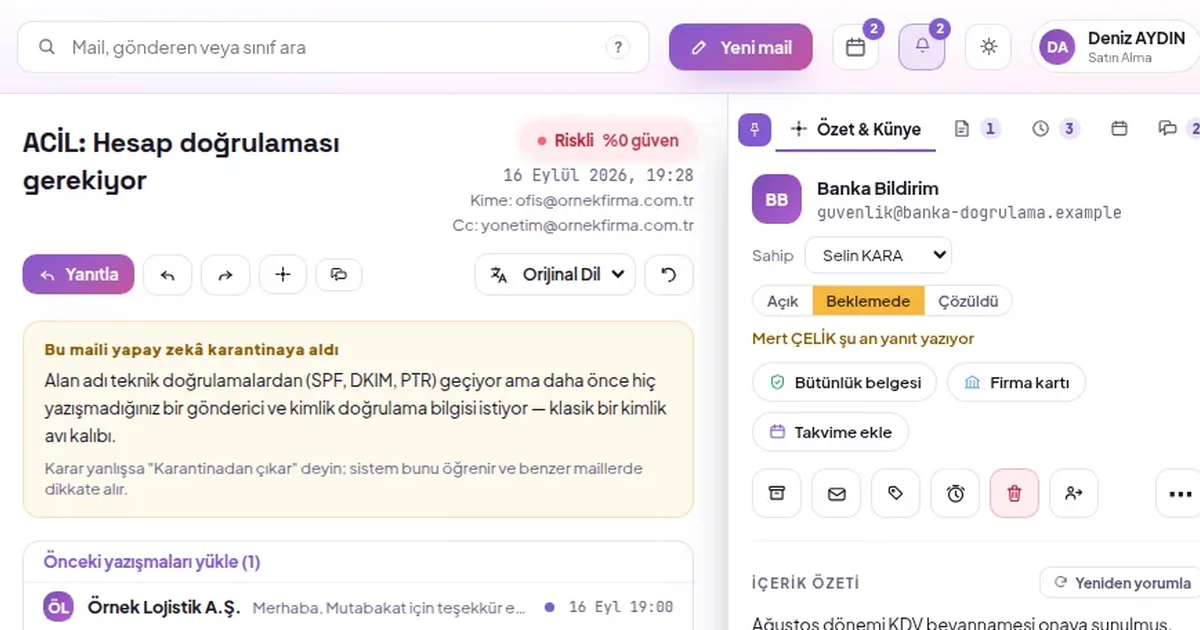
- Audit log screen: creating and deleting mailboxes, granting access, blocklist and allowlist rules, quarantine, bulk move, approved sending and settings changes in a single list.
- Filters: All events, Policy changes and Bulk actions; bulk actions also state how many emails were affected.
- Severity bar: organization-wide rule and permission changes as well as deletions are highlighted separately.
- Permission-restricted: only administrators with this permission can see the audit log.