
Blog
Practical articles on security, sending, teamwork and management in corporate email.
 Administration
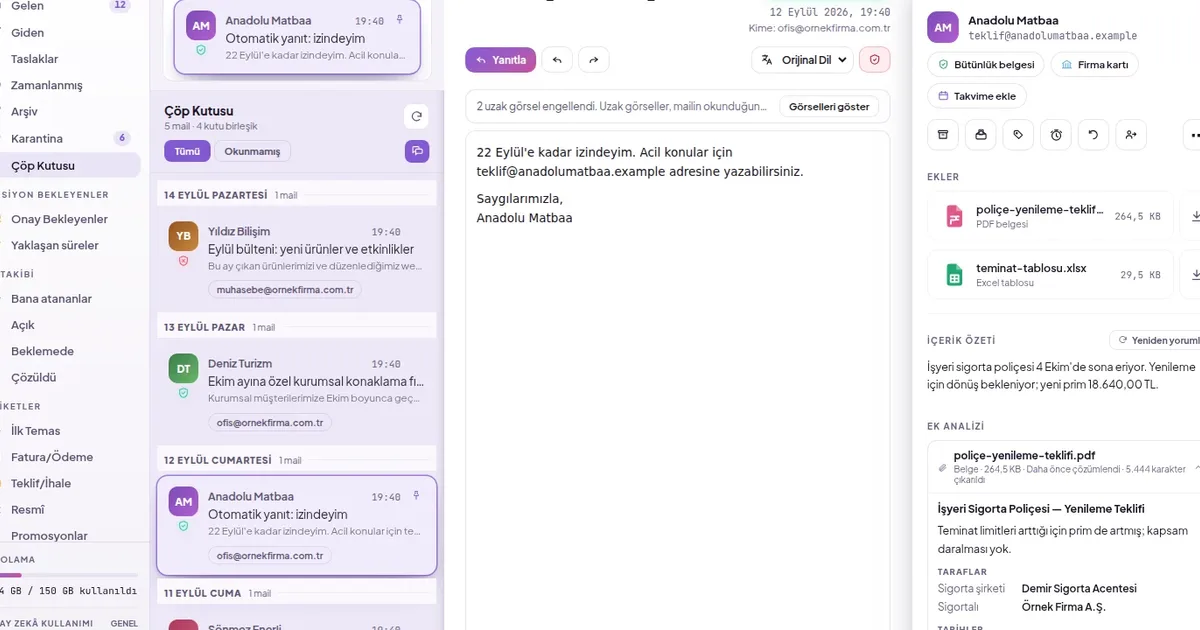
Email archive and recovery: how to recover deleted mail?
A deleted email does not disappear immediately; it remains in the trash for the period determined by the organization and can be restored during that time. For emails that are no longer needed but must be kept, archiving rather than deleting is the right approach: archiving removes the email from the inbox but does not delete it.
2 min read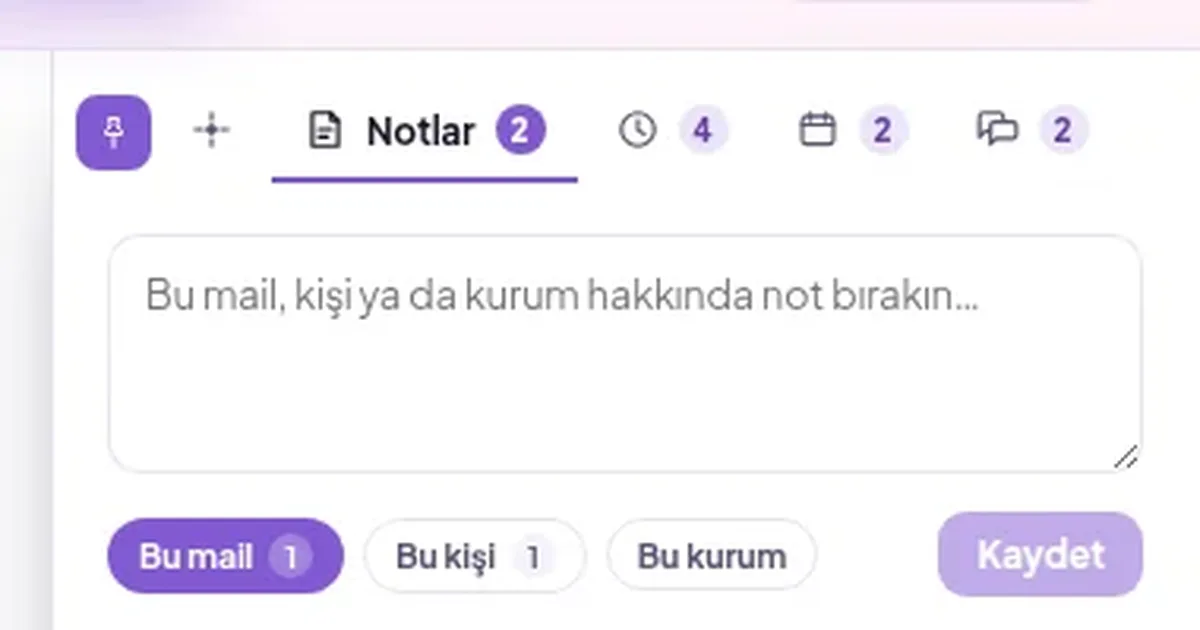 Team collaboration
Internal team notes and @mentions: how do you communicate on an email without it reaching the customer?
A team note is an explanation left on an email that only the team can see. It does not go to the other party; everyone who sees the same mailbox sees it. When you type a colleague's name with @, they receive a notification; so internal correspondence stays alongside the email without telling the customer “just a minute, let us ask”.
2 min read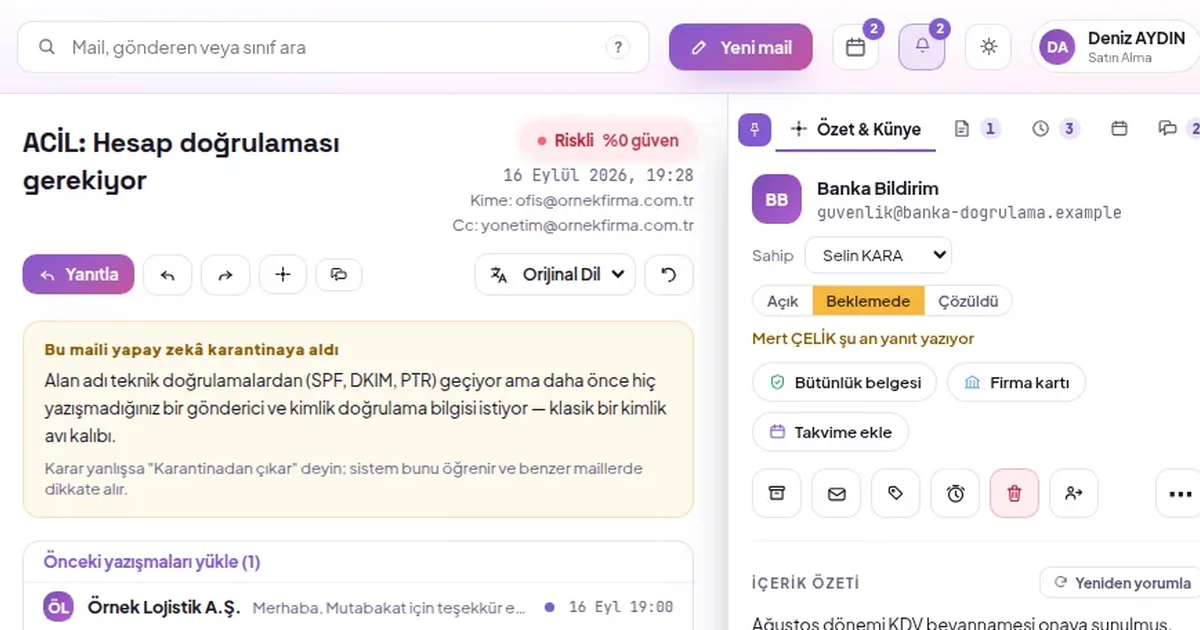 Security
How to recognise a phishing email?
A phishing email often looks like a familiar sender. You can tell by checking whether the sender really wrote from that domain, letter tricks in the domain, where the link actually goes, and any request for payment or bank details in the email.
4 min read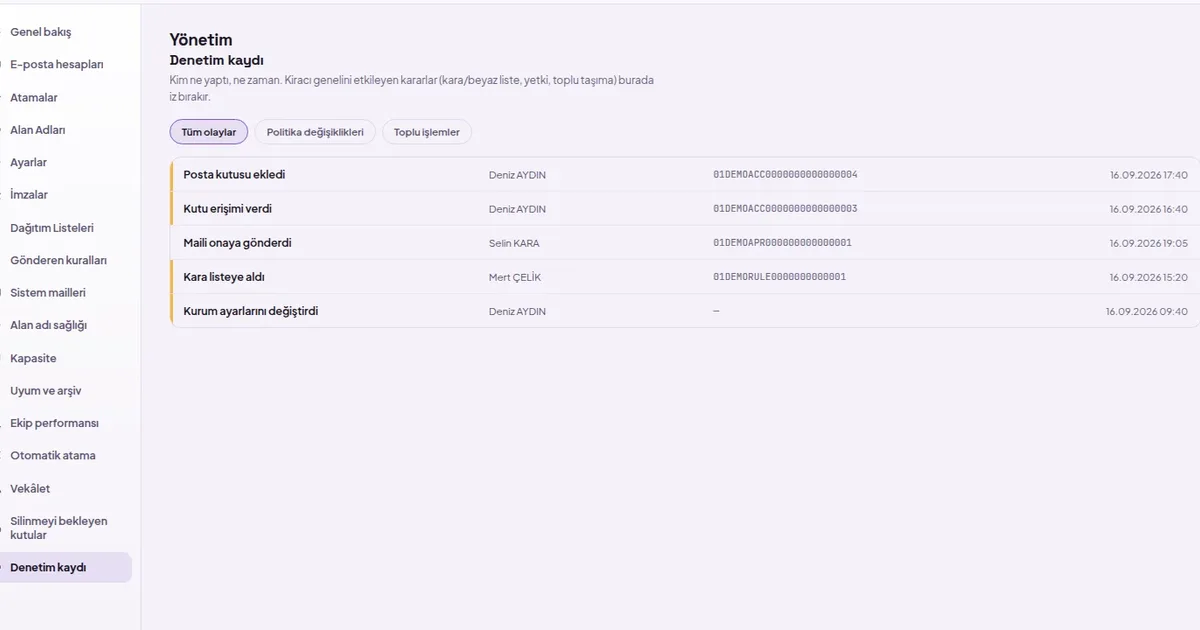 Administration
What is a corporate email audit log: who did what, and when?
The audit log is a list of significant actions performed in corporate email, recording who did them and when; it cannot be edited or deleted from the dashboard. It is the first place to look when an email goes missing, someone is granted access by mistake or a rule changes.
2 min read Sending
When is scheduled email sending useful, and how is it cancelled?
Scheduled sending lets you write the email now and send it at the time the recipient is most likely to read it. It is used for quotes written outside working hours, recipients in different time zones and information that must be announced on a specific date; it can be changed or cancelled before the sending time.
2 min read
Archive
Audit
Fraud
Team collaboration
Recall
Sending
Security
- Security
How to recognise a phishing email?
A phishing email often looks like a familiar sender. You can tell by checking whether the sender really wrote from that domain, letter tricks in the domain, where the link actually goes, and any request for payment or bank details in the email.
4 min read - Administration
What is a corporate email audit log: who did what, and when?
The audit log is a list of significant actions performed in corporate email, recording who did them and when; it cannot be edited or deleted from the dashboard. It is the first place to look when an email goes missing, someone is granted access by mistake or a rule changes.
2 min read