Domains are read from the document, not fabricated
Subtotal, VAT and grand total on separate lines
Classification
Content type without writing a rule
First contact, invoice/payment, quote/tender, official, promotion, and update.
A filter independent of folders
“Invoices received this month” in one click
The administrator can write organization-specific instructions
Chat
Ask a question about the mail
The reply is based on the content of that email and its attachments.
“How many days is the payment term?”
“Which is the most expensive item in this quote?”
Only mailboxes you have access to are read
Writing
Draft, improve and translate
A draft is generated from an instruction, written text is improved, and an email is translated into 30 languages.
One-click quick reply suggestions
On the writing screen, while writing
Budget
Usage is clearly visible on the dashboard
The AI allowance is monthly; when the allowance runs out, AI operations stop together and resume in the new period.
Remaining entitlement is visible in the dashboard
A separate share can be assigned to a person
Security signals are independent of budget
How to do it
Step by step
Using the AI summary and additional analysis
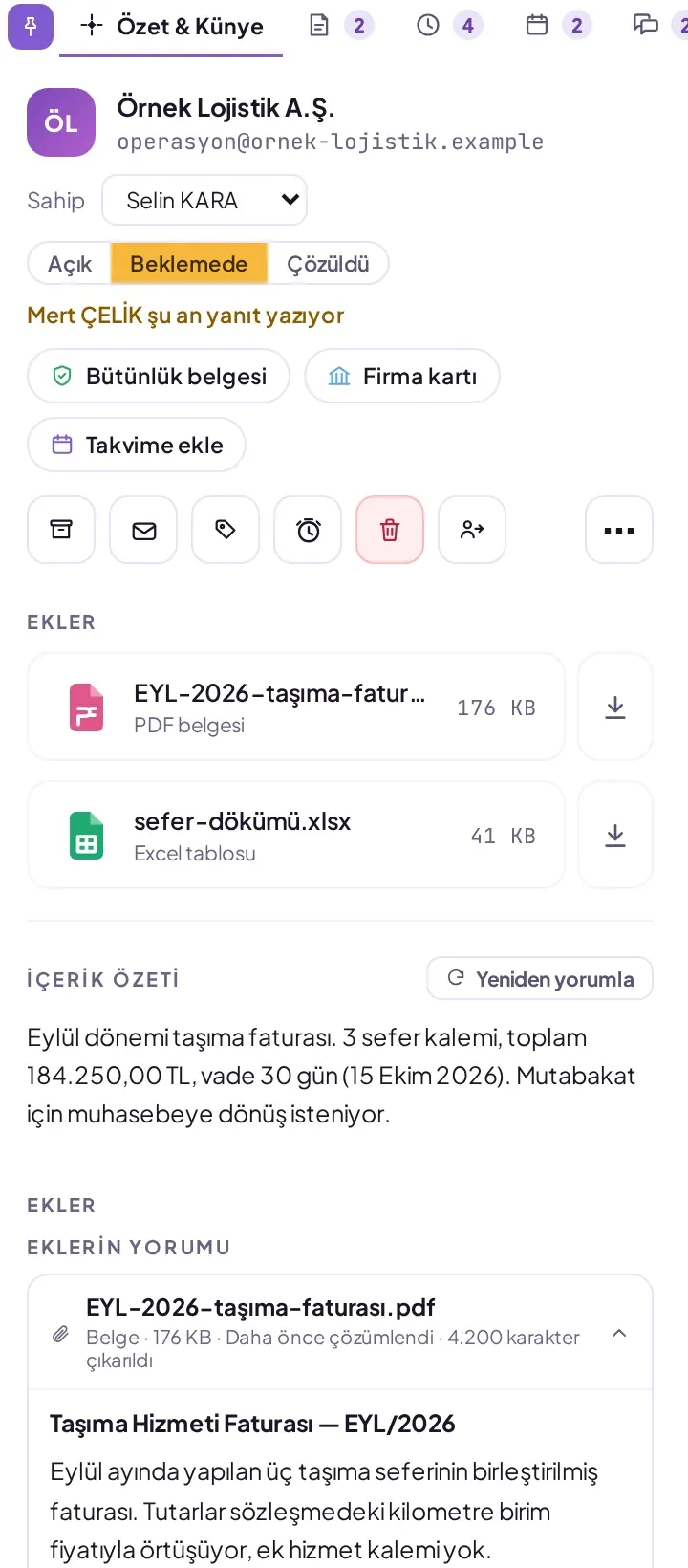
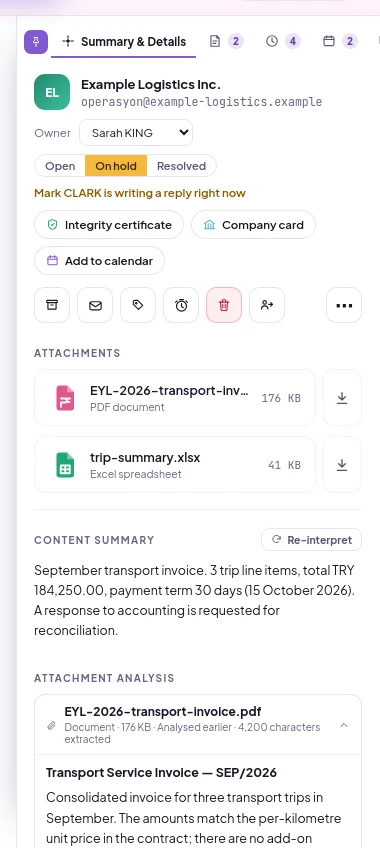
Open the mail and click the Summary & Metadata tab on the far right. The content summary explains in a few sentences what the mail wants; if it is long, it is shortened, and Show more reveals the full text. The AI's warnings about this mail are shown in full in a separate section below the summary.
To have the summary regenerated, click Reinterpret. The new summary replaces the stored one.
In the Attachments section, open the attachment card. The card contains document type, Parties, Dates, Amounts, Document information, Highlights and Action items.
If attachments have not been processed, click … Analyse attachment with AI. To see the card's file, select Show file.
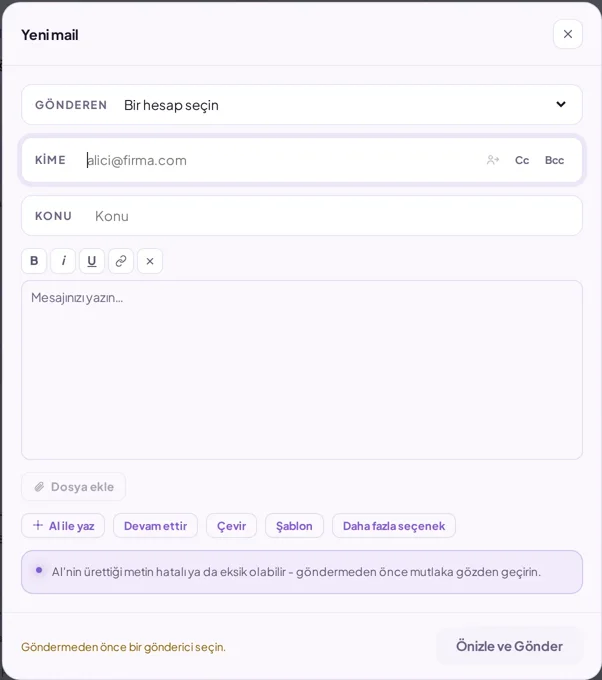
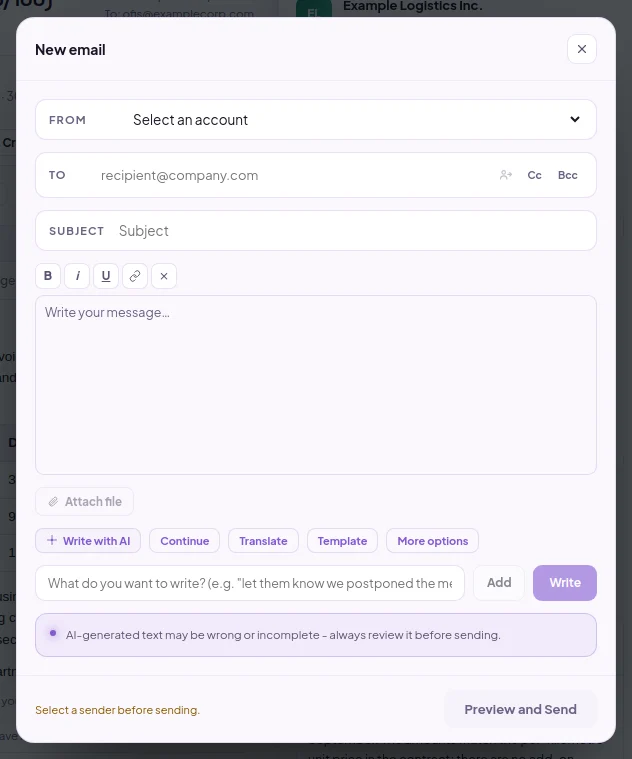
Write what you want entered in the field that opens, for example "notify that we postponed the meeting". To give multiple instructions, click Add after each one.
Click Write. The text is written into the email body. If the subject is empty in a new email, the AI also suggests a subject and writes it to the Subject field. You can edit both as you wish.
Mail and attachment summary, document card from attached documents, content type classification, security assessment, chat about the mail, writing assistance and translation into 30 languages.
Does AI read emails, and what happens to the data?
Email content is processed for classification, summarisation and security assessment. Each company's data is kept in its own separate database and is not shared with another company. AI chat only reads mailboxes to which the person has access. Code-based security checks such as SPF, DKIM, DMARC and similar domain checks run independently of AI; even if the AI allowance is used up, this protection continues.
How is AI usage limited?
The AI allowance is monthly and visible in the dashboard. When the allowance runs out, AI operations stop together and resume in the new period. The administrator can define separate shares for people and hide the counter from employees.