How to recognise a phishing email?
A phishing email often looks like a familiar sender. You can tell by checking whether the sender really wrote from that domain, letter tricks in the domain, where the link actually goes, and any request for payment or bank details in the email.
A phishing email disguises itself as a trusted sender to get the recipient to click a link, enter a password or make a payment. In organizations, the most expensive type is the one that comes in the name of a familiar supplier or manager and says that bank details have changed. The good news is that almost all of these emails carry the same few traces, and these traces can be checked systematically.
Is the sender really writing from that domain?
Anyone can write whatever they like in the "From" line shown by email clients. The real evidence is the three checks the receiving server performs when it accepts the email: SPF says whether the server sending the email is authorised to send on behalf of that domain, DKIM says whether the email arrived signed without being changed in transit, and DMARC says whether these two results match the visible sender. If all three fail, or the DMARC result is "fail", the email may not have come from that organization, whatever the display name says.
Is there a small letter trick in the domain?
Attackers often get an address that looks very similar to the real domain: tedarikci-firma replaced by tedarikci-flrma, a visually similar character in place of a letter, or an added word at the end. The eye misses this difference when reading quickly. A new sender whose address differs by one letter from a company you have corresponded with before is one of the strongest signs of phishing.
Where will the reply go, where does the link lead?
In some fake emails the "From" looks correct, but when you press Reply the reply goes to a different address (Reply-To mismatch). Links use a similar trick: the visible text is a bank's address, while the address opened on click is different. Hovering over the link and reading the actual address is the cheapest check before clicking.
Checklist
- Is the sender identity verified (SPF, DKIM, DMARC)?
- Does the domain look similar to the one of the company you are communicating with, differing by only a couple of letters?
- Is the reply address different from the visible sender?
- Is the link's visible text the same as the address it leads to?
- Does the mail request a new IBAN, changed bank details or an urgent payment?
- Is it someone you have never corresponded with before, or a new contact at the same organization?
- Is the language pressuring you or asking for privacy?
How SmartMail solves this
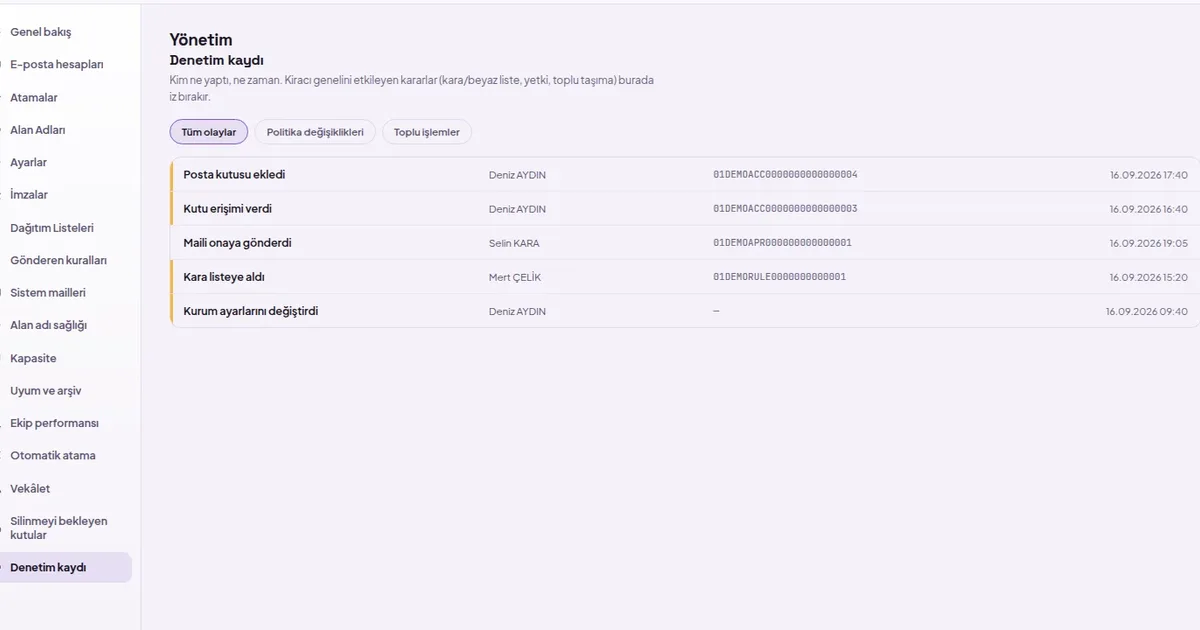
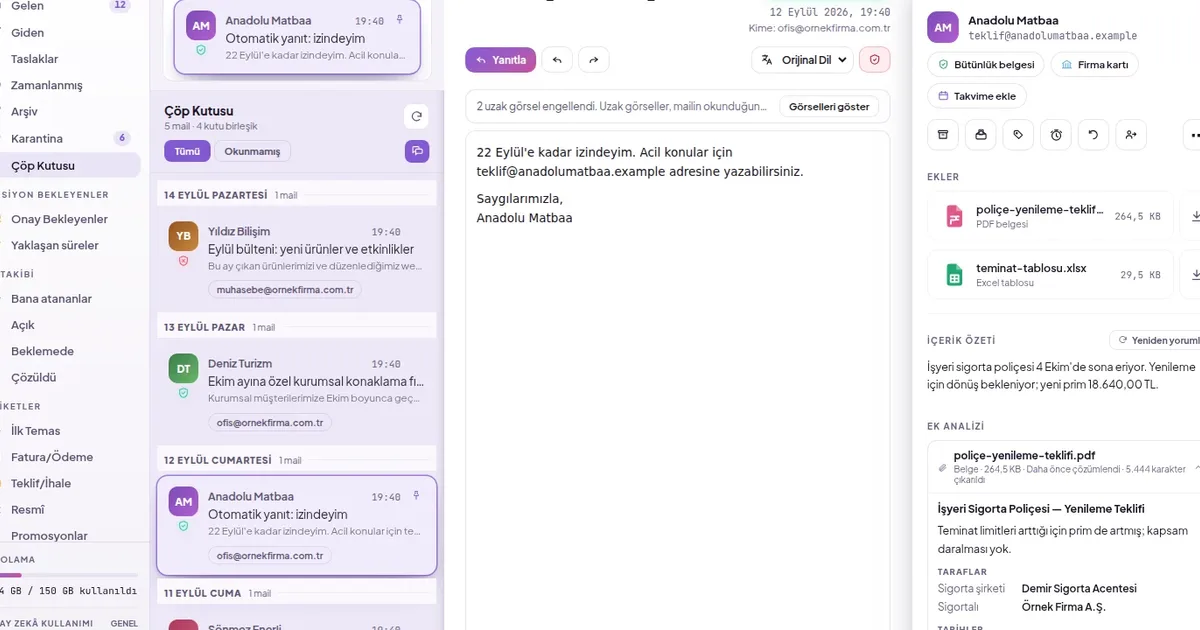
- Every email is checked before it is opened: SPF, DKIM and DMARC results, similar domain, reply address mismatch and misleading link are checked; the result appears as a badge next to the sender name.
- The reason for the decision is written: clicking the badge opens the risk score and findings item by item.
- Fraud banner: a warning appears at the top of the reading screen when someone writing for the first time is combined with changed bank details or a payment request from a domain resembling a familiar company.
- Quarantine: an email below the trust threshold does not reach the inbox; it can be reviewed in quarantine with the reason.