What is a product feed? Sending products to Merchant Center
A product feed is a structured list of your products for shopping ads and catalogs. We explain which fields are required and how to keep the feed up to date.

Product cards shown in shopping ads do not read individual store pages; they come from a product list, i.e., a feed. If the feed is inaccurate or outdated, ads may display incorrect prices or fail to publish entirely.
What is a product feed used for?
The feed lists each product’s name, description, price, stock status, image, and page URL in a machine-readable format. Ad and catalog systems pull this list at regular intervals to learn about price changes and out-of-stock items.
Which fields are included in the feed?
- Identity and name: product code, title, description.
- Price and stock: current price and availability.
- Images: main image and additional images.
- Brand and barcode: brand name and GTIN if available; if no barcode exists, this is also indicated.
- Variant information: size and colour; variants of the same product are linked via a group ID.
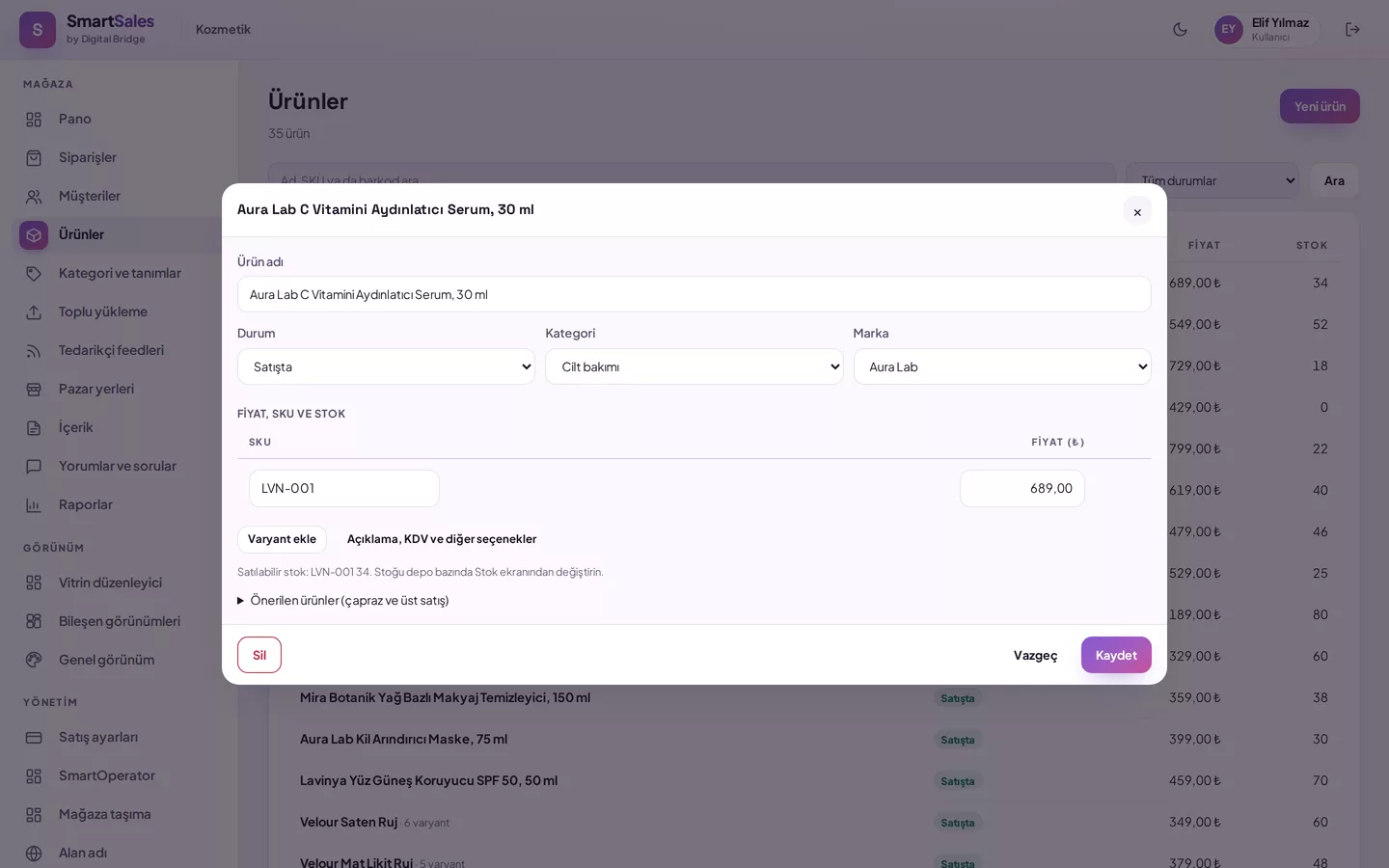
Step-by-step guide to sending products to Merchant Center
- Get your store’s feed address: it is ready at
/feed/google.xmlin SmartSales. - Add a new product source in your Merchant Center account and enter this address as a scheduled fetch.
- After the first fetch, check the error and warning list; complete missing fields such as brand or image in the product record.
- The same format is used for Meta Catalogue; the address
/feed/meta.xmlprovides the same list.
How does the feed stay up to date?
SmartSales generates the feed dynamically from the database on every request and caches it for up to one hour. Only active variants of products currently on sale are included in the feed; products you remove from sale are excluded from the list in the next fetch. There is no need to manually export the feed or upload a file.
Feed and search engine compatibility go hand in hand
Feeds are for ads; structured data on product pages is for search results. SmartSales generates structured data for products, price quotes, ratings, and brand information on product pages; this functionality belongs to the platform, not the theme, so it works consistently across all themes.
How SmartSales solves this
- Ready-made feed address: The feed address for Merchant Center and Meta Catalogue is ready as soon as you add products.
- Variant groups: Size and colour variants are linked via a group ID.
- Live list: Products removed from sale are excluded from the feed in the next fetch.