How do returns and withdrawal work in e-commerce?
From customer return application to refund: the process for managing withdrawal period, exception products, application steps, and the store's decision.
Returns are an inevitable part of e-commerce. If the process is clear and fast, customers will shop again; if it remains ambiguous, you lose both customers and time. This article explains the process from the store's perspective; it does not replace legal advice—consult a lawyer for your specific situation.
What is the right of withdrawal and what is the time limit?
In distance selling, the consumer may withdraw from the contract without giving a reason within a specified period after receiving the product. The distance selling contract and pre-information form generated by SmartSales state this period as 14 days; the period starts from the delivery date. Customers can submit their return applications within this timeframe on the order page.
Which products are exempt from the right of withdrawal?
The right of withdrawal cannot be used for certain products such as those manufactured to personal specifications or hygiene-related items where packaging has been opened. In SmartSales, you mark these products at the product level; this is also specified in the contract, the customer consents during the payment step, and these products cannot be included in return applications.
Return application step-by-step
- The customer selects the product they wish to return, the quantity, and the reason from the delivered order. Guest customers apply via the order link.
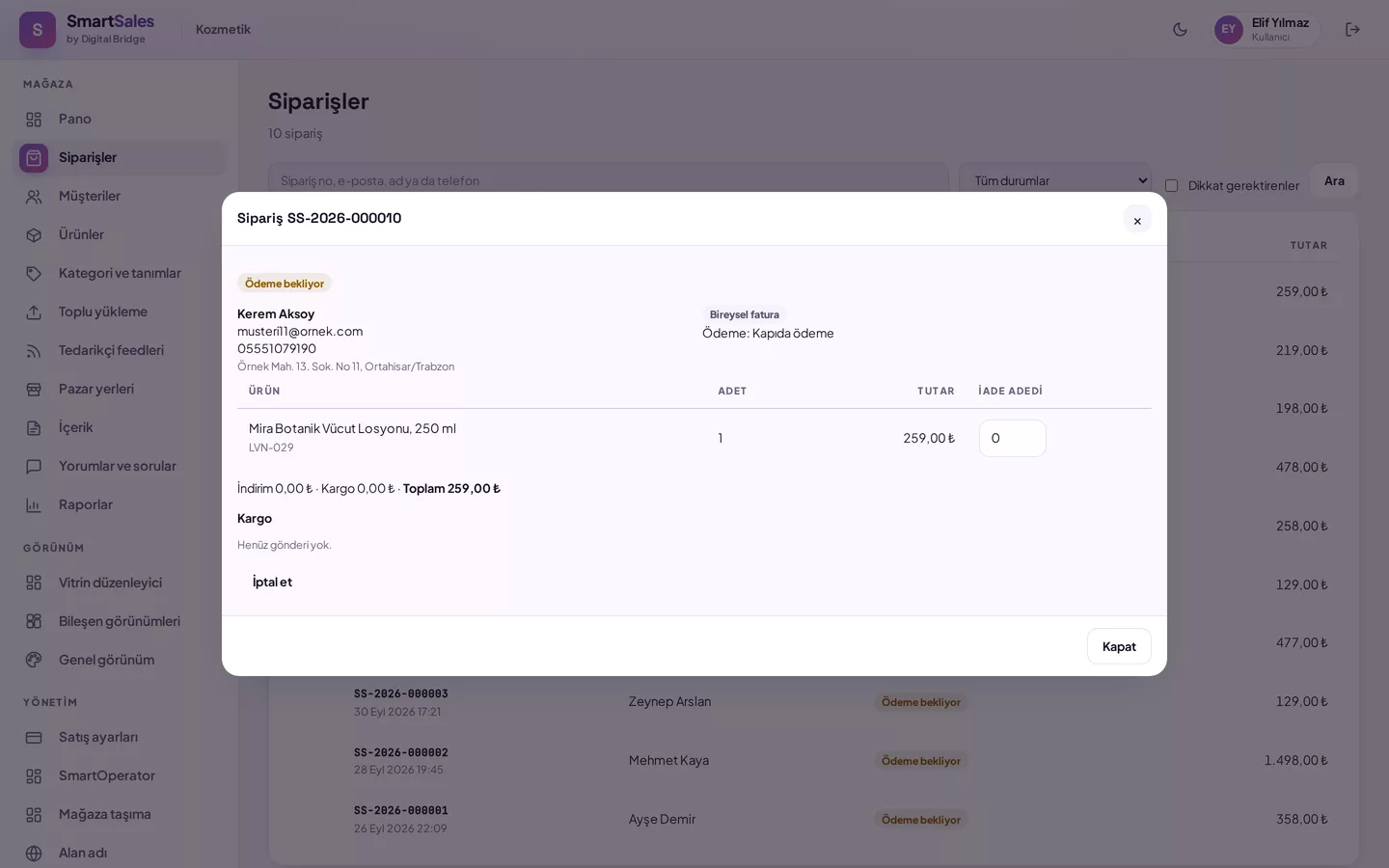
- The application appears below the order in the panel; you can see the reason, quantity, and customer's description.
- You approve or reject the application; your decision and notes are sent to the customer by email.
- Once the product reaches you, you process the refund via the return flow on the order screen and complete the application.
Checklist for a regular return process
- Track return reasons: size, defective product, expectation mismatch, wrong item. Recurring reasons indicate information that should be corrected on the product page.
- The same quantity cannot be requested twice for the same product; you do not need to manually filter out duplicate applications.
- Make decisions quickly; since the customer is notified by email, there is no need to call them separately.
- Mark products that are exempt from the right of withdrawal at the time of product registration.
How SmartSales solves this
- Application initiated by the customer: A member or guest customer submits a return application for their order.
- Decision in the panel: The application appears below the order; approval or rejection is sent to the customer by email.
- Contract texts: The distance selling contract and pre-information form are generated using your store's legal name.