 Security and KVKK
Nothing is read on the payment page
Agents do not read or execute actions on the payment page; form fields are not read on any page.
- Actions run with the visitor's permissions
- Retention period set by you
- Read-only access to the database
Data flow, step by step
Visitor data is protected through fields that are not read, actions performed with the visitor’s consent, retention periods and message limits.
Fields not read
Form fields, entered values and sections marked as hidden are not read.
With the visitor’s consent
Actions run within the visitor’s session; no administrator password is provided.
Retention period
From 7 days to 10 years; expired conversation notes are deleted daily.
Message limits
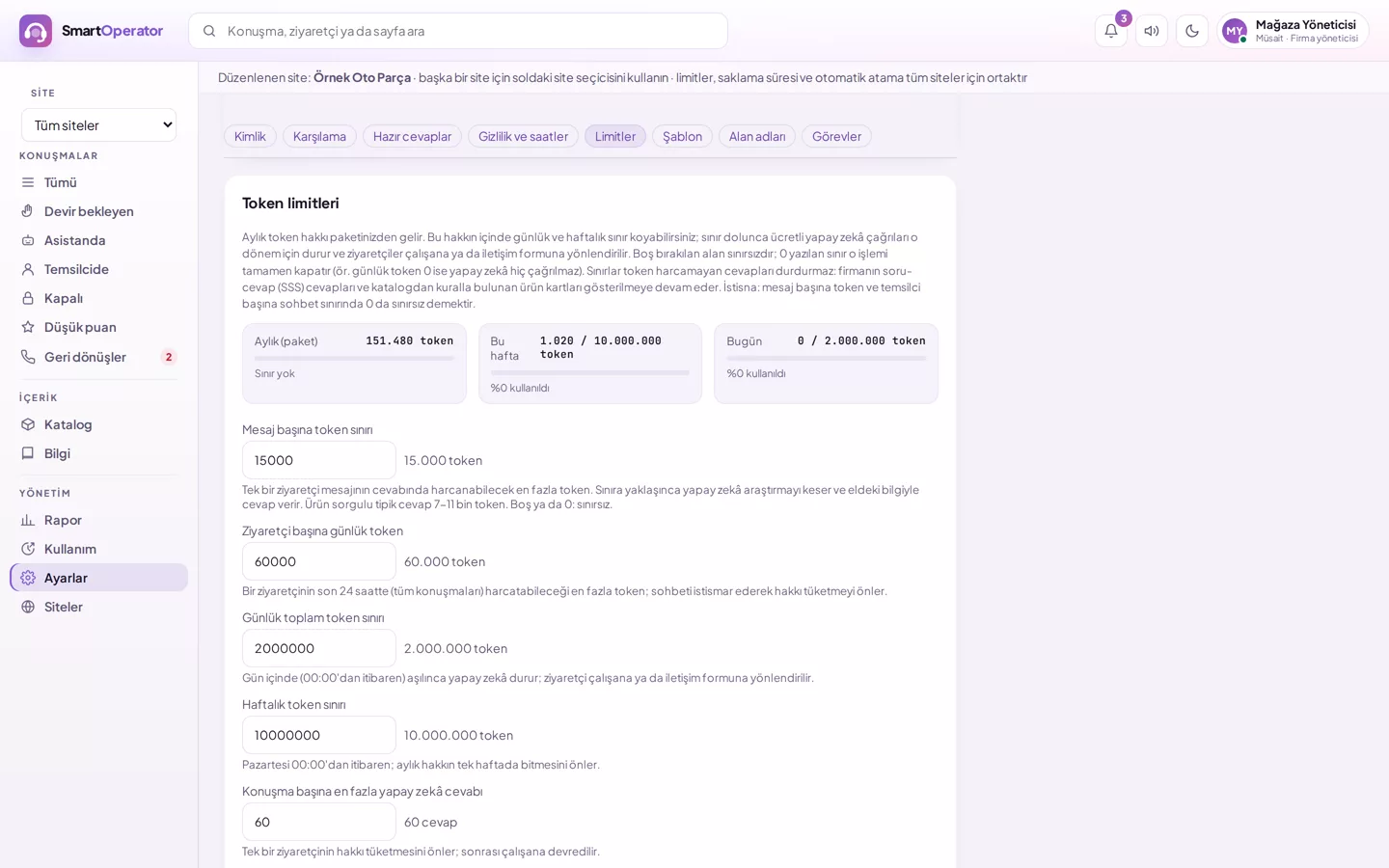
30 messages per minute per connection, 800 per day; maximum 1,000 characters per message.
Robot verification
Suspicious visitors must pass robot verification before sending a message.
Store database
Read-only permission for authorised users; every query is checked before execution.
Configure your privacy settings
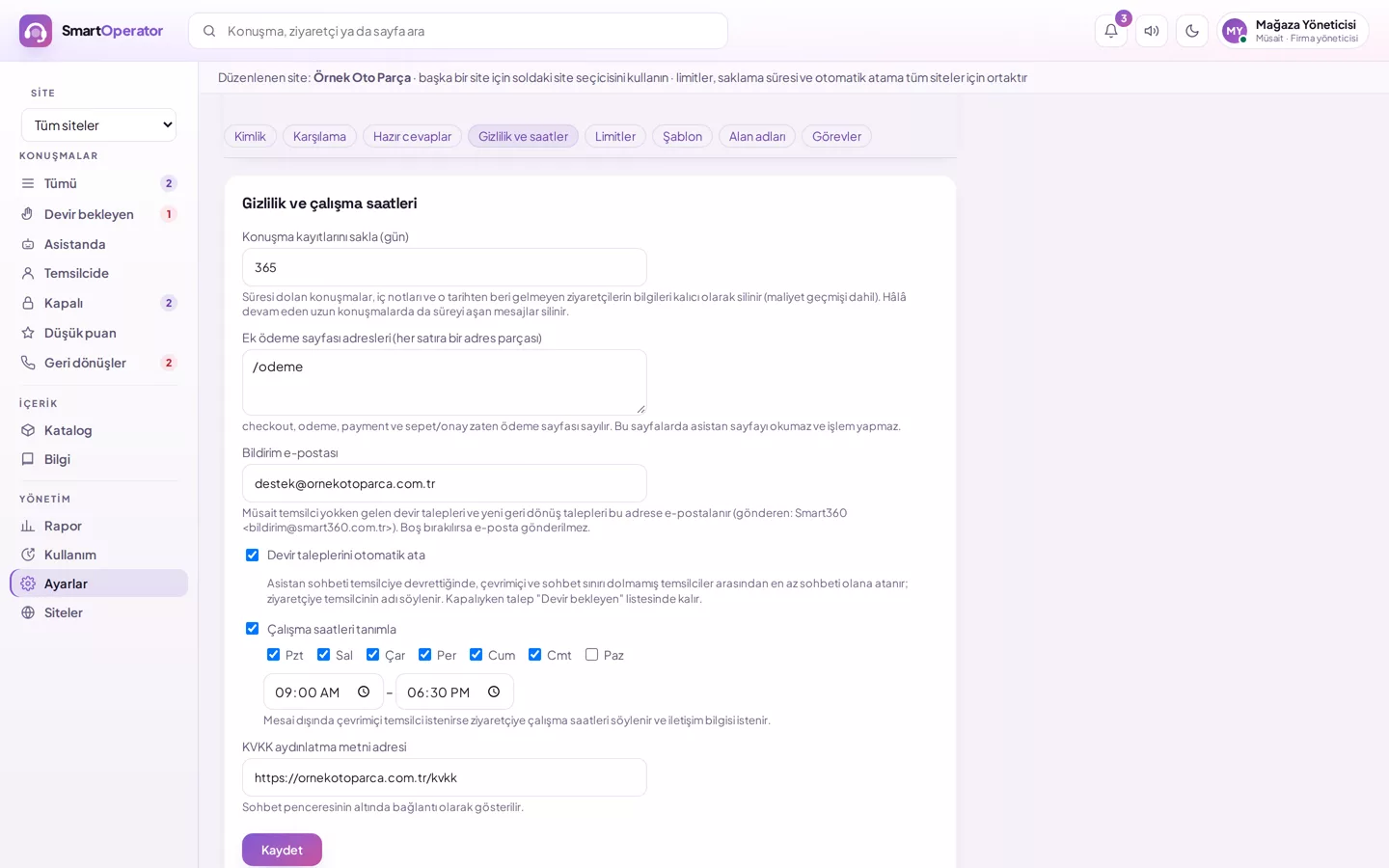
Retention period, payment addresses, hidden sections and the privacy notice are configured in the dashboard under Settings → Privacy and working hours.
Choose retention period
Under Settings → Privacy and working hours, specify how many days conversations should be retained.
Add payment addresses
Add address components such as payment and basket confirmation; no reading occurs on these pages.
Mark hidden sections
Apply the hidden mark to sections you do not wish to be read.
Link the privacy notice
Enter the URL of your KVKK privacy notice; it will appear as a link in the window.
Privacy rules in the dashboard
Retention period, additional payment page addresses and privacy notice link are all on a single screen.
- The payment page can also be marked via code
- Export conversations
- Visitor and IP blocking
Layers against misuse
Recognised off-topic and manipulation attempts are not sent to the model; repeated attempts result in the AI being blocked for that visitor for one hour.
- Daily AI limit per visitor
- Robot verification with DBLinx Security protection layer
- Alert administrators on unusual usage
Security-related questions
What does the agent do on the payment page?
On the payment page, the agent does not read the page, does not send the visitor’s context and does not trigger any actions. You can add payment addresses via settings or mark them with code on your page.
Does it read information entered by the visitor?
The agent sees what the visitor types in the chat and the visible text on the page; it does not see values entered into form fields. Passwords, card details or ID numbers do not reach the agent.
How long are conversations retained?
You choose the retention period: from 7 days up to 10 years. Expired conversations, along with their notes and follow-up requests, are automatically deleted daily.
What protections exist against bots and misuse?
There are per-minute and daily message limits per connection. Suspicious visitors must pass robot verification before sending a message; verification is handled by the DBLinx Security protection layer. Your team can block visitors.
Can I export conversations?
Yes. Admin conversations and messages can be exported as Excel-compatible files; each export request is logged.
Ask security questions
For organisation-specific questions regarding KVKK, data retention periods, or database connections, please write to us.