Protecting the chat bot from spam and bot traffic
An open chat window is a target for automated traffic and misuse. It is protected by message limits, robot verification, and blocking.
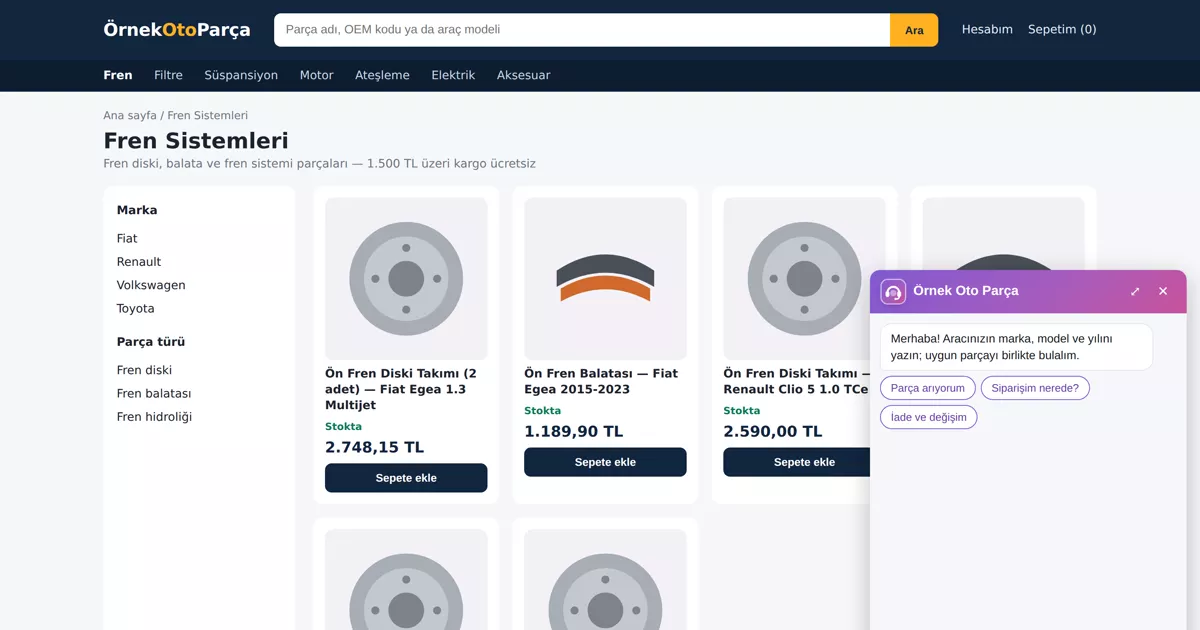
The chat window added to your site is open to everyone. This means that not only real visitors but also automated browsers, spammers and those trying to misuse the assistant can access the window. Since every message in an AI-powered assistant incurs a usage cost, protection is not just a security matter but also a budget one.
How does the chat bot protect against spam and bot traffic?
Protection works in layers. Per-connection minute and daily message limits, along with message length limits, cut off automated traffic. Suspicious visitors undergo robot verification before typing. Out-of-topic and manipulation attempts are not sent to the model; firm and per-visitor AI limits protect the budget, and annoying visitors are blocked from the panel.
What visitor data does the chat window see?
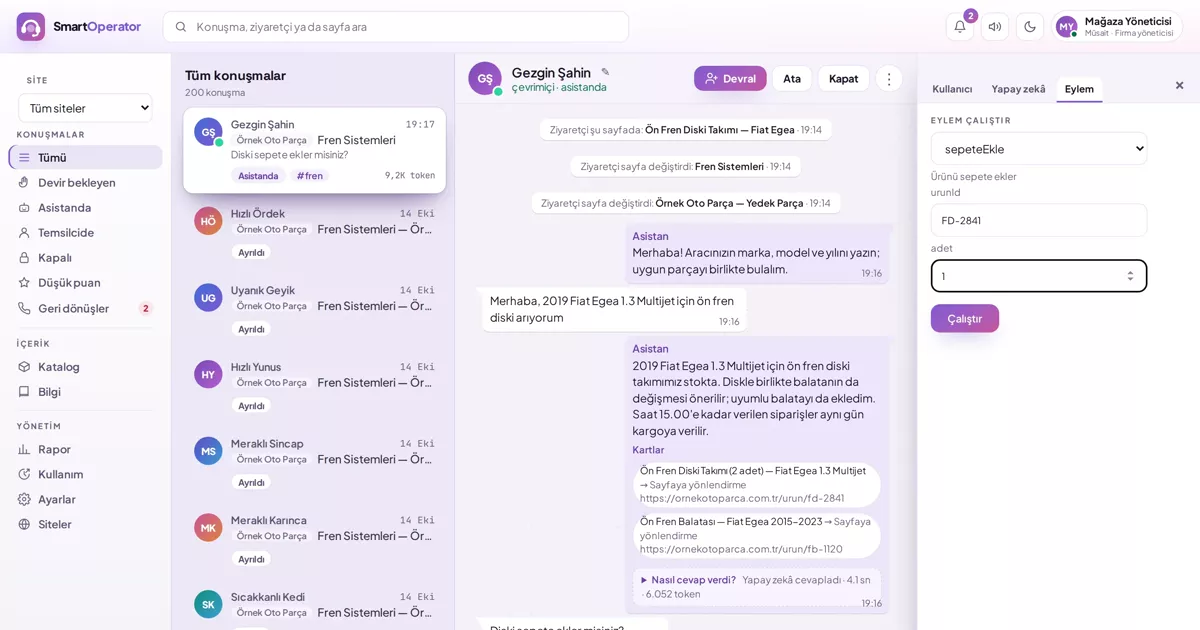
The representative sees what the visitor types in the chat and the visible text of the page they are on; they do not see values entered into form fields. On payment pages, the page is not read at all and no actions are triggered. You can hide sections you do not want read using the hidden marker. You choose how long conversations are stored; expired conversations are automatically deleted daily.
Typical threats to the chat window
Threats to the chat window are grouped into four categories: automated traffic, out-of-topic use, manipulation and harassment.
- Automated traffic: Bots sending rapid messages to the window.
- Out-of-topic use: Using the assistant for homework or general chat.
- Manipulation: Messages attempting to make the assistant forget its rules.
- Harassment: Visitors who occupy and annoy your team.
Layered protection
A single measure is not enough; in SmartOperator, protection works in layers:
| Layer | What does it do? |
|---|---|
| Message limits | 30 messages per connection per minute, 800 per day; opening many new connections from the same IP within an hour is considered suspicious. |
| Message length | A message is limited to a maximum of 1000 characters. |
| Robot verification | Suspicious visitors undergo robot verification before typing; verification is valid for 24 hours. |
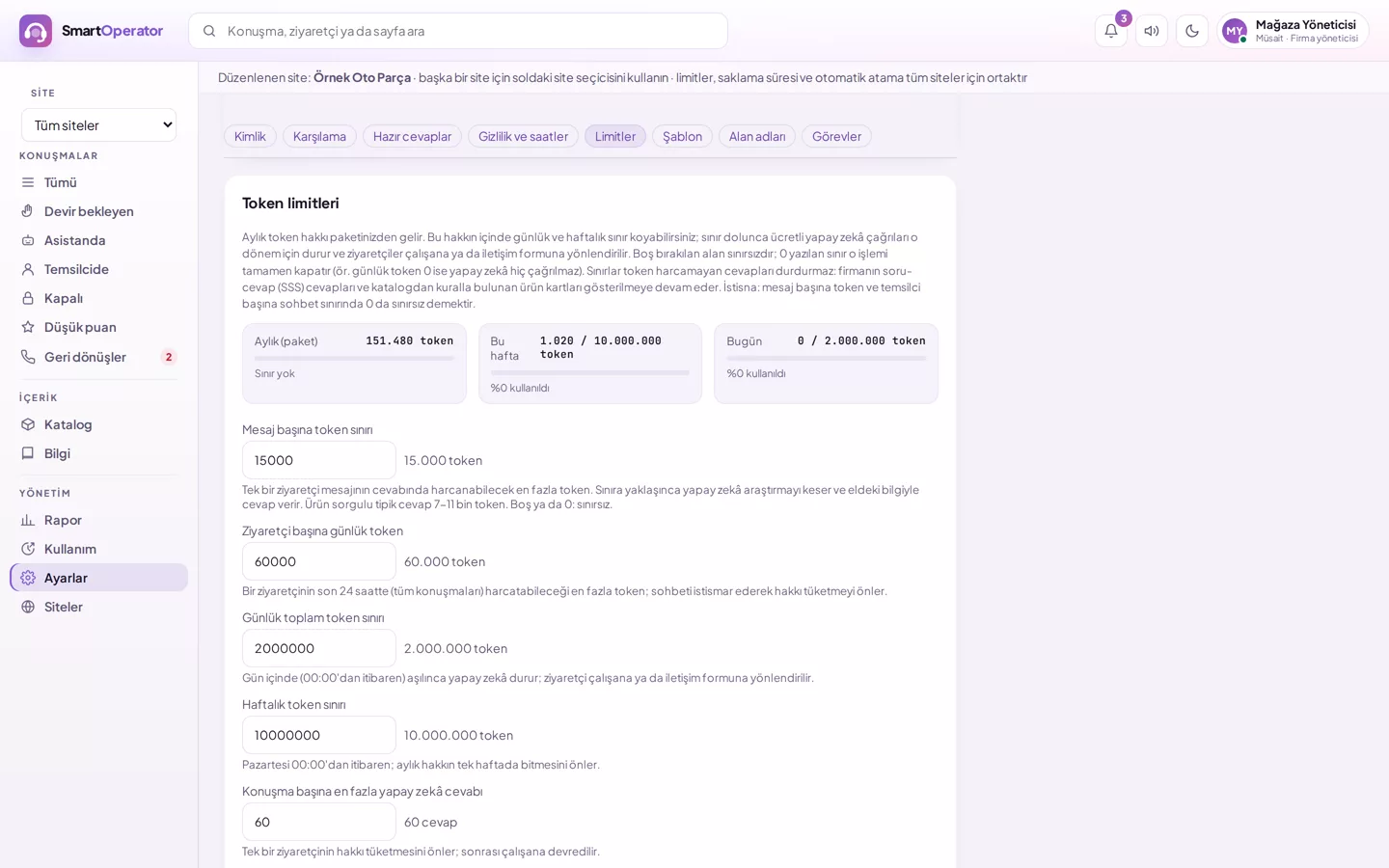
| Per-visitor AI limit | The amount of AI a visitor can use in the last 24 hours is limited; once exceeded, AI closes for that visitor, and a representative or contact form takes over. |
| Out-of-topic and manipulation | Recognised out-of-topic and manipulation attempts are not sent to the model; three attempts within an hour result in AI being closed for that visitor for one hour. |
| Repeated question | If the same message arrives shortly after, AI is not used again. |
| Blocking | The representative can block the visitor, optionally including their IP address. |
| Abnormal usage warning | If daily usage significantly exceeds the average of the last 7 days, a warning is sent to the administrator. |
Robot verification is performed via the DBLinx Security protection layer, which protects the DBLinx product family; most real visitors do not even notice the verification.
Step by step: configuring protection
To configure protection, first set the limits, then monitor the report and block annoying visitors if necessary.
- Review limits: In Settings → Limits, set daily and weekly AI limits and the per-visitor limit.
- Monitor the report: Track the most active visitors and abnormal usage in the Report screen.
- Block if necessary: Block annoying visitors from the conversation screen.
- Mark sensitive areas: Hide page sections you do not want read using the hidden marker.
Visitor data must also be protected
Another side of abuse protection is visitor privacy. The representative sees what the visitor types in the chat and the visible text of the page; they do not see values entered into form fields. On payment pages, the page is not read. You choose how long conversations are stored; expired conversations are automatically deleted daily.
- Daily and per-visitor AI limits are defined.
- Notification email address is set; rollover and return requests reach you.
- Your team knows how to block visitors.
- Retention period is configured according to your organisation's policy.
How SmartOperator solves this
SmartOperator abuse is restricted by message limits, robot verification, AI usage limits and visitor blocking.
- Message limits: Per-connection minute and daily message limits, message length limit.
- Robot verification: Suspicious visitors undergo robot verification before typing.
- AI limits: Firm and per-visitor usage limits; out-of-topic attempts are not sent to the model.
- Blocking: The representative blocks the visitor and, optionally, their IP address.