
AI
How to limit AI use in an organization? Per-person permission and monthly usage allowance
Opening up AI to everyone in the organization at once leaves both cost and data risk uncontrolled. Who gets to use it, what data they can access, and how much they can use need to be set from a single place.
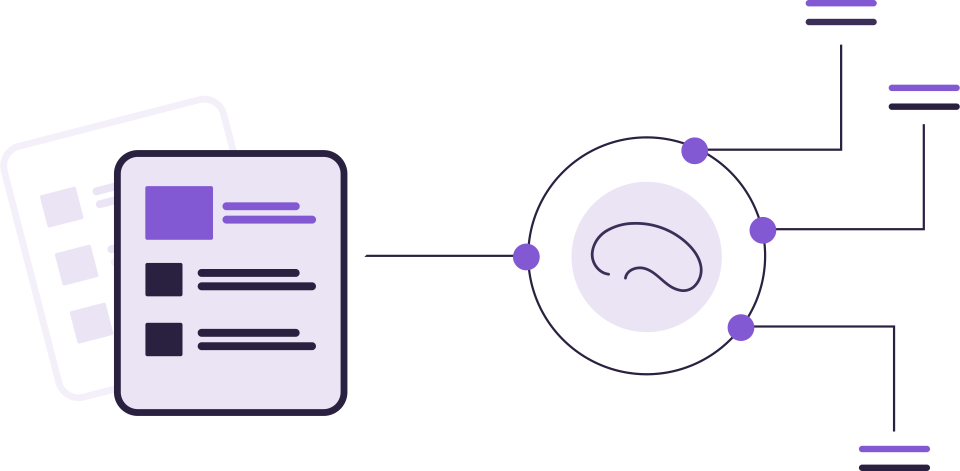
AI summaries, draft writing and document analysis speed up work. But when it is opened without control, three questions go unanswered: Who is using it? What data is it looking at? How much did it cost at the end of the month?
Risks of uncontrolled use
- Data boundary: AI must not generate answers from a document the person would not normally be able to see.
- Cost: unlimited usage turns into an unpredictable bill at the end of the month.
- Oversight: if each application enforces its own rules, the limit is silently bypassed when one is overlooked.
Four-layer management
- Per-person permission. Open AI first to the teams that need it; grant permission per person or per area.
- Permission-based answers. AI should only generate replies from files and emails the person already has permission to view.
- Monthly usage allowance. Set a monthly cap for the organization, and for each person if needed; once the cap is reached, AI actions pause until the next period.
- A single gateway. All applications' AI requests should pass through the same gateway, so the limit doesn't need to be enforced separately by every application.
TipOnce the cap is reached, only AI actions should stop; access to files and email should continue. The team keeps working, just without new summaries and analysis.
Don't forget to write a usage policy
Alongside the technical limits, give employees a short usage policy: what tasks it's used for, who checks the output, how text going to a customer gets approved.
How is AI limited in the DBLinx family?
- A single gateway: AI requests from SmartMail, SmartFiles and SmartOperator all pass through a single gateway in DBLinx; the limit can't be bypassed.
- Monthly usage allowance: A monthly cap is kept for the organization and for each person; once it's reached, AI actions pause until the next period, while files and email stay accessible.
- Permission: AI is a separate permission, granted per person in SmartMail and per area in SmartFiles.
- Permission-bound replies: In SmartFiles, replies are generated only from files the person has permission to view.