 Time tracking
Duration alongside work: timer and weekly timeline
SmartPM time tracking is a tool that records time spent on tasks using a timer or manual entry, and aggregates it in a weekly schedule. Start the timer from the task panel; it runs in the top bar. Switching to another task stops the previous one automatically. View totals in the weekly schedule and download as CSV.
Record time in three ways
Timer
Start from the task panel; the timer ticks second by second in the top bar, and the duration is saved when you press Stop.
Manual entry
Enter missed durations in date and "1:30" or "45 min" format.
Correction
You can correct or delete your own records; the project manager corrects records in the project.
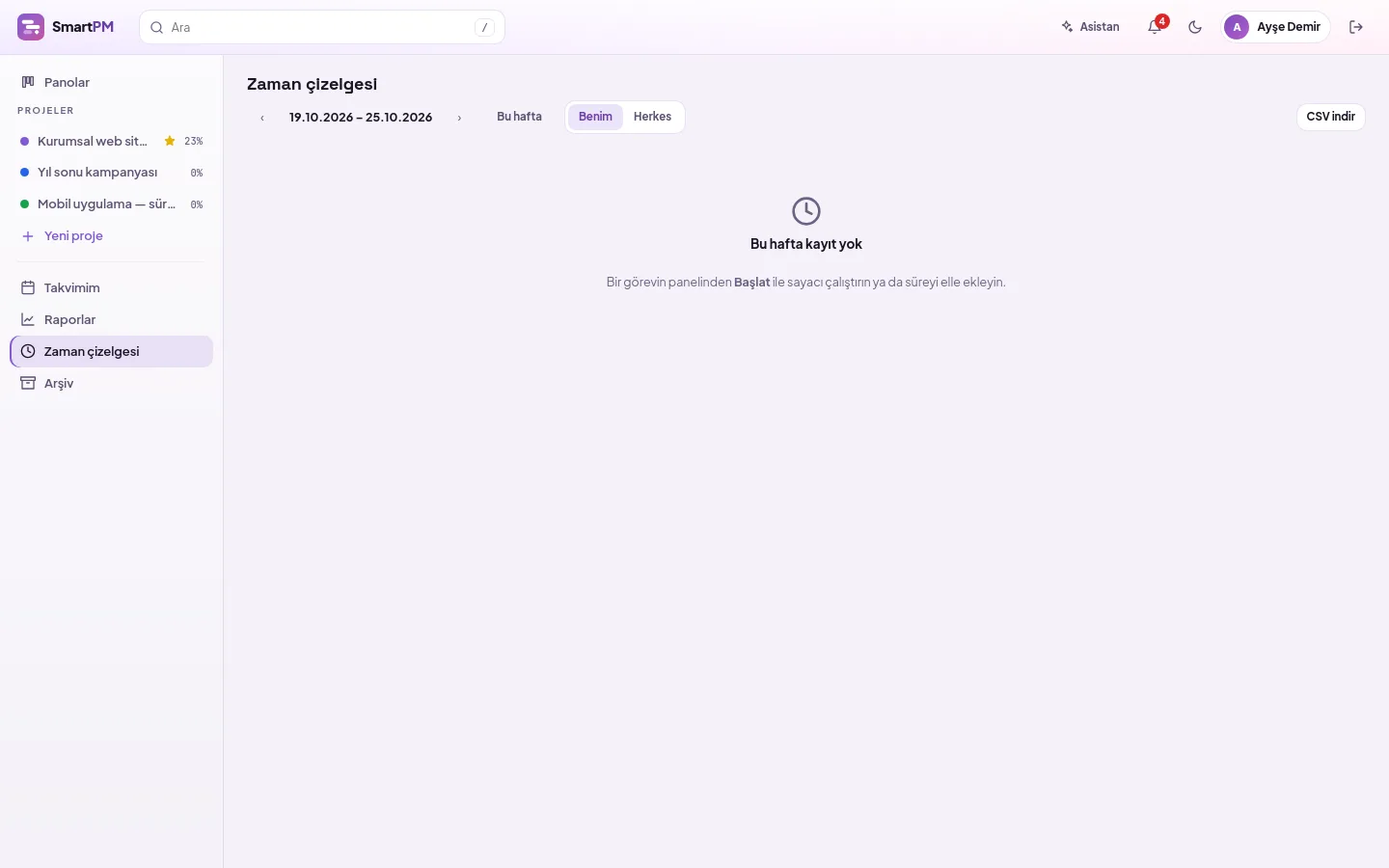
Your week in one table
Rows are tasks, columns are days from Monday to Sunday. View your own records or those of everyone in the projects you manage; navigate between weeks.
- Daily and task totals
- CSV format opened by Turkish Excel (semicolon-separated, comma-decimal for hours)
- Deleting a task does not lose its duration; it remains under the task name
Duration feeds into cost, cost into budget
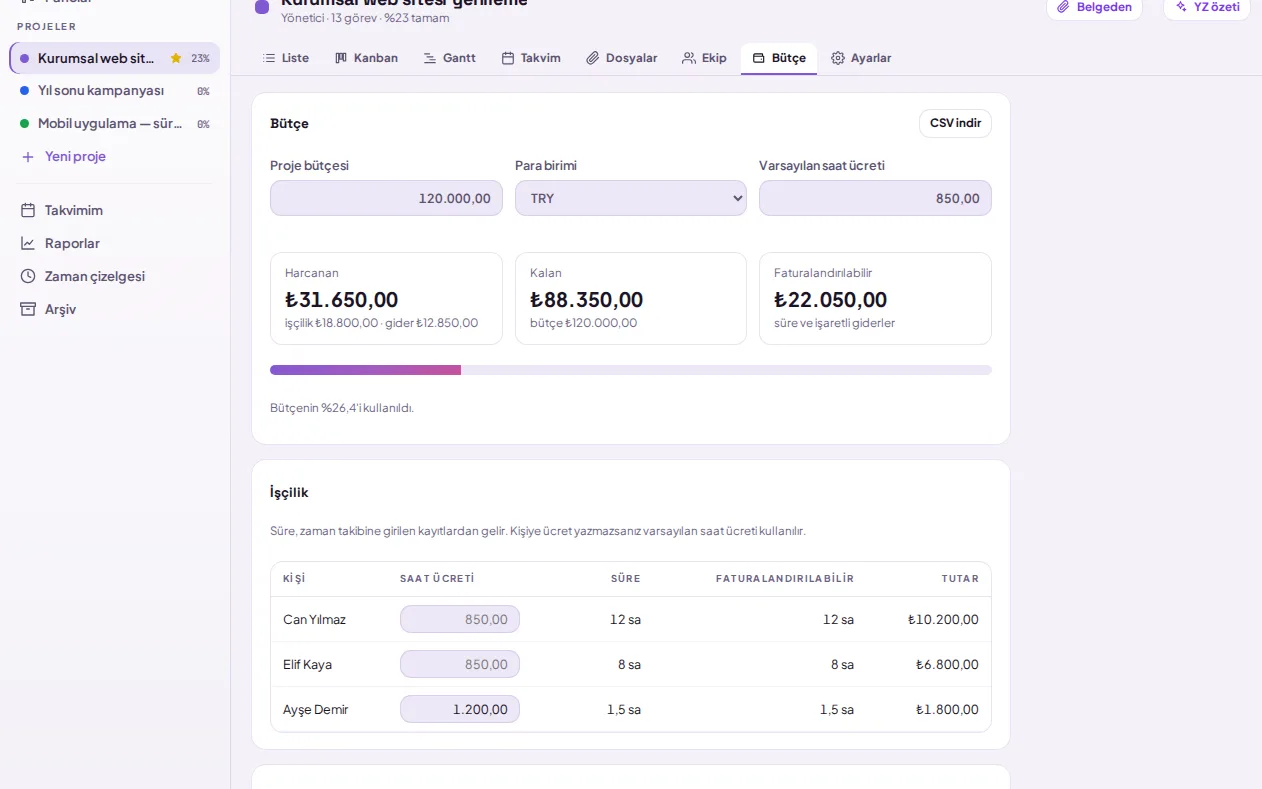
Set a budget for the project, enter hourly rates for individuals, and record expenses. Each recorded duration is multiplied by the rate; spent, remaining, and billable amounts are visible instantly.
- Default and individual hourly rates in TRY, USD, EUR, or GBP
- Billable duration and expense indicator
- Budget usage bar: yellow at 80%, red when exceeded
- Financial information is visible only to the project manager; export to Excel via CSV
Frequently asked questions
Can two timers run simultaneously?
No. Each person has only one timer. When you press Start on another task, the running timer saves the elapsed time up to that point and starts anew; thus, the same minute is not logged against two tasks.
Who can see time records?
Everyone sees their own records. Project managers see all records in the projects they manage, and company administrators see and can correct all records. Customers and observers do not log time and cannot see records.
View your team's time
Let us plan the setup suitable for your organization.